
Fiber Optic Cables
Fiber optic cables for outdoor backbone, indoor distribution and FTTH projects. Start with the installation route, then choose the cable construction and fiber specification.
Explore categoryFiber optic and data LAN cables from UPCOM cover indoor, outdoor, FTTH, CPR-rated, armored and specialty network projects. This page groups the cable families by real buying logic so you can move directly from requirement to the right product route.
CPR class is one of the first filters when the route is inside a building and fire performance is part of the specification. The guide page remains the main CPR explainer; the certificates page is kept separate as proof and document support.
Explore category: Fiber Optic Cables
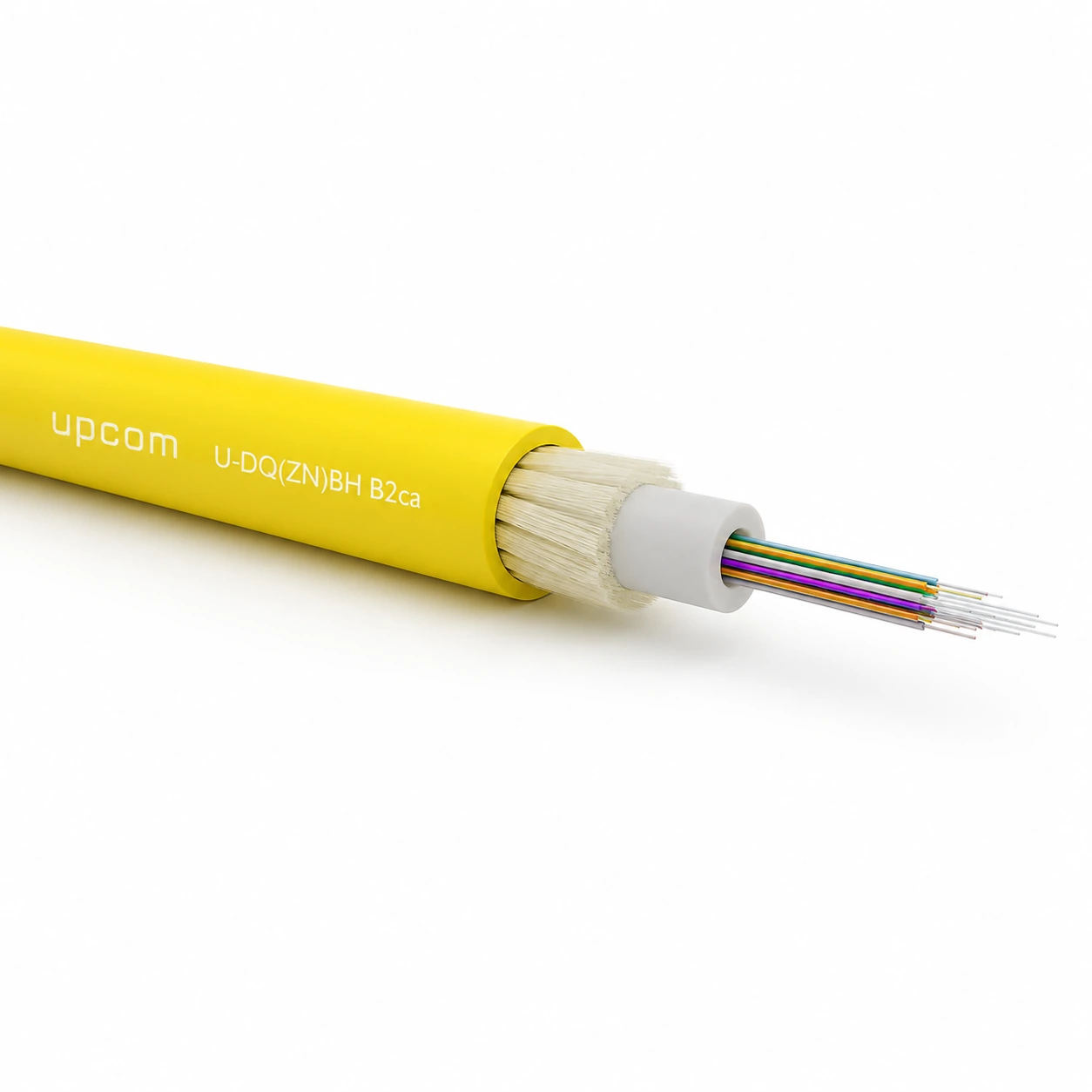
Designed for indoor backbone and building distribution where higher reaction-to-fire performance is specified.
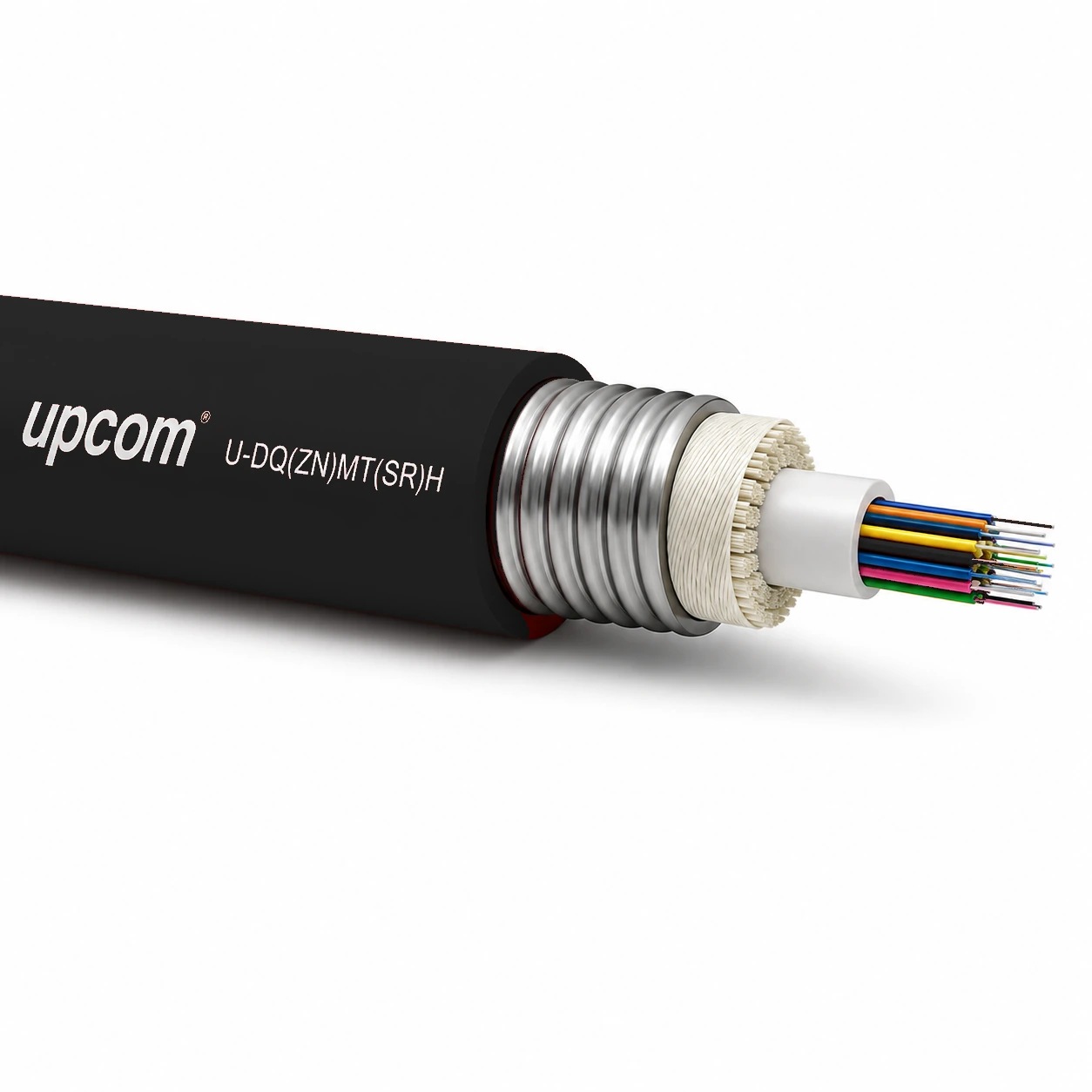
Combines steel-tape armour with TSE-certified CPR B2ca reaction-to-fire performance. Fire-integrity ratings require separate independent testing.
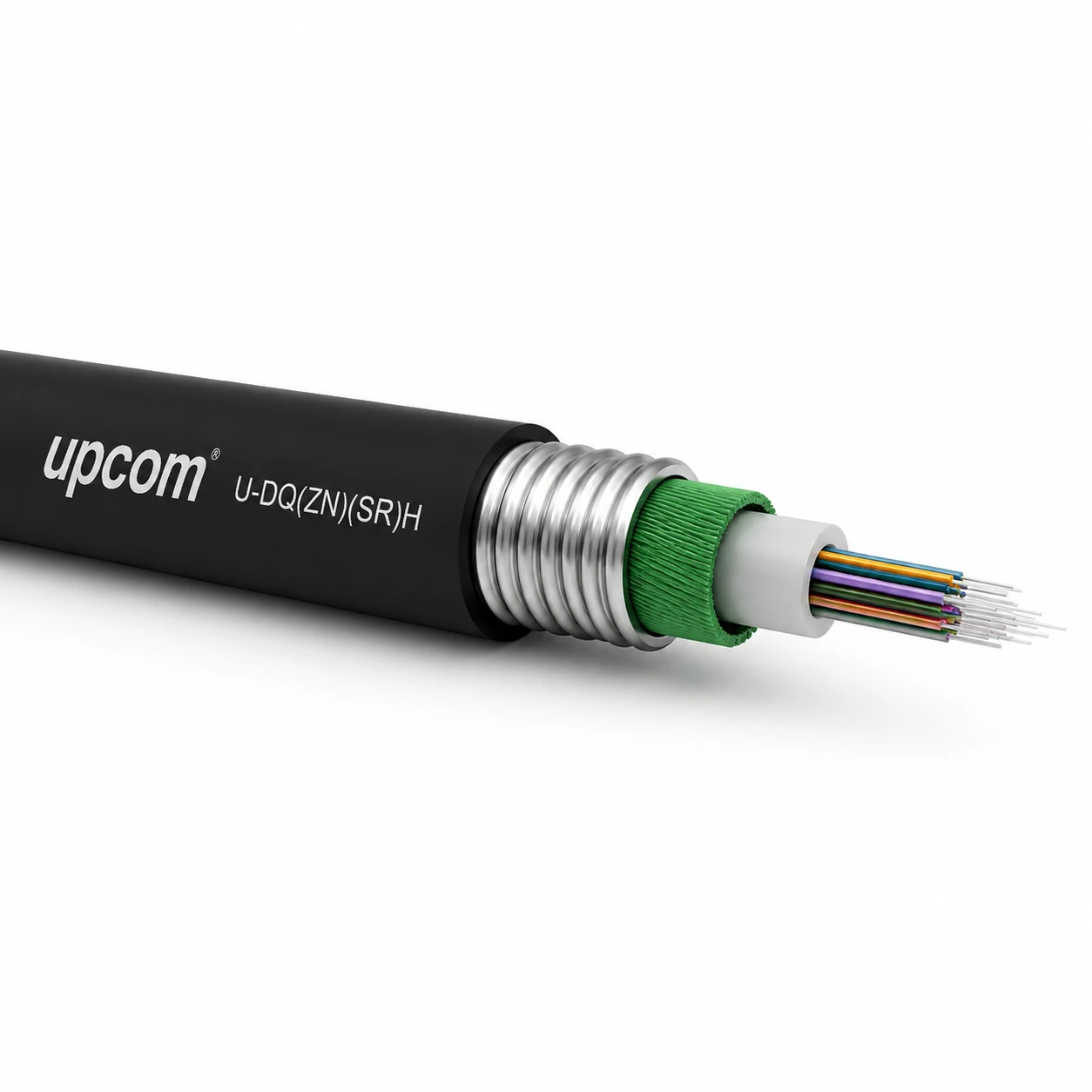
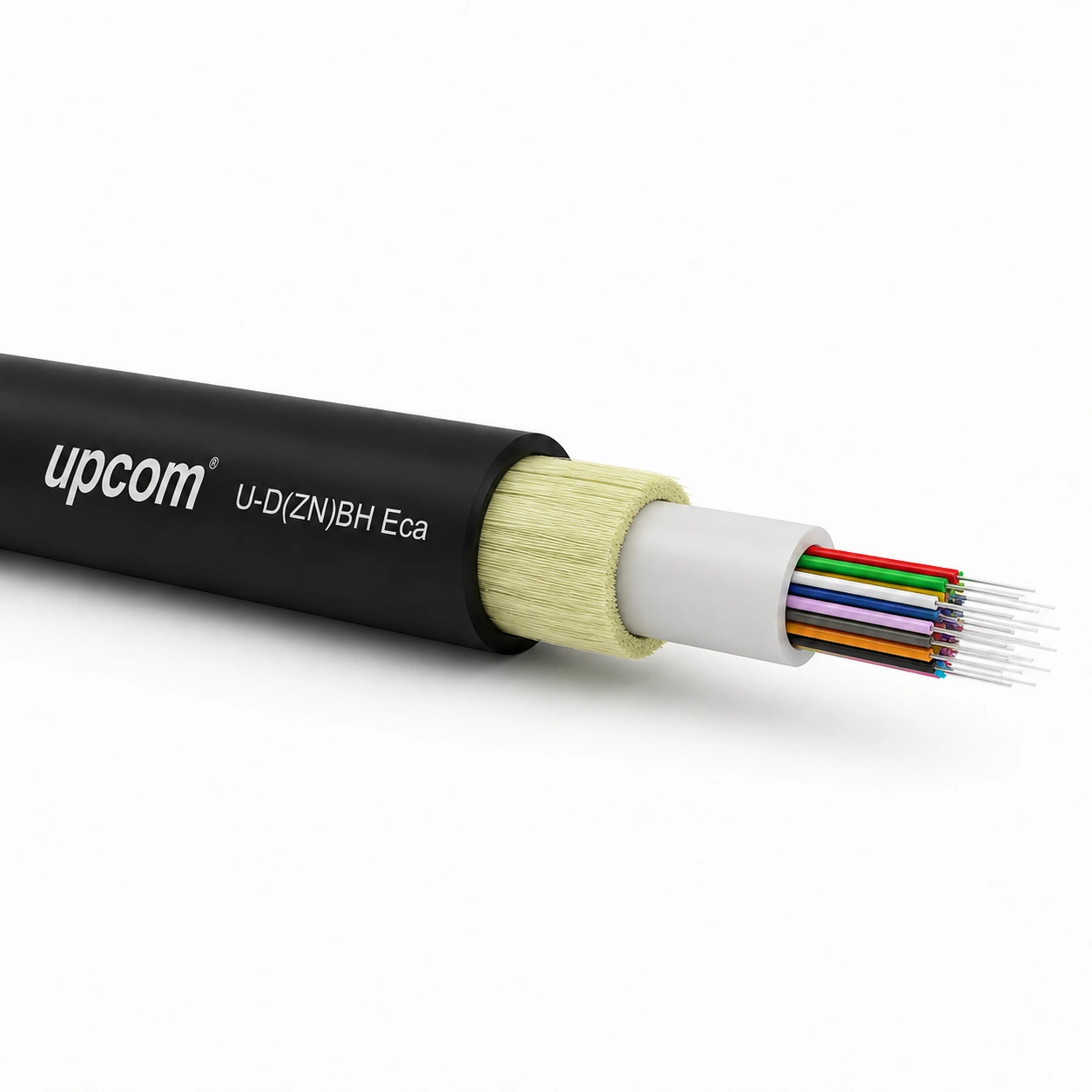
Suitable where basic CPR performance is accepted and neither Dca nor B2ca is specified.
When the route includes outdoor exposure, buried sections or higher mechanical risk, construction and protection level usually matter before connector or core-count detail.
Explore category: Fiber Optic Cables
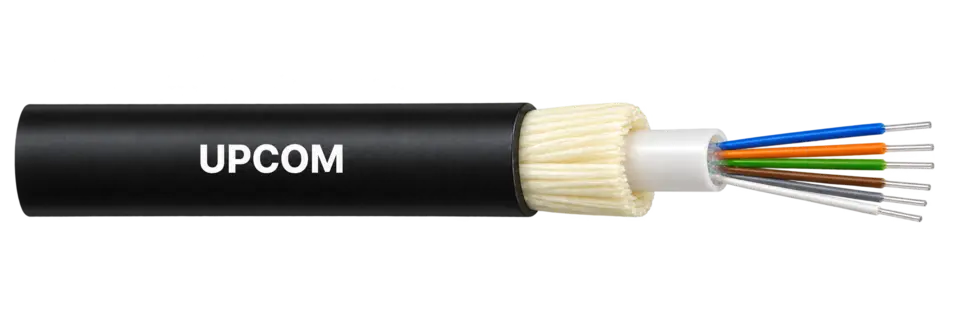
Gel-filled central loose tube with glass yarn reinforcement. Published diameter: 7.0 mm; cable weight: 55 kg/km. Review the mechanical limits for outdoor duct routes.
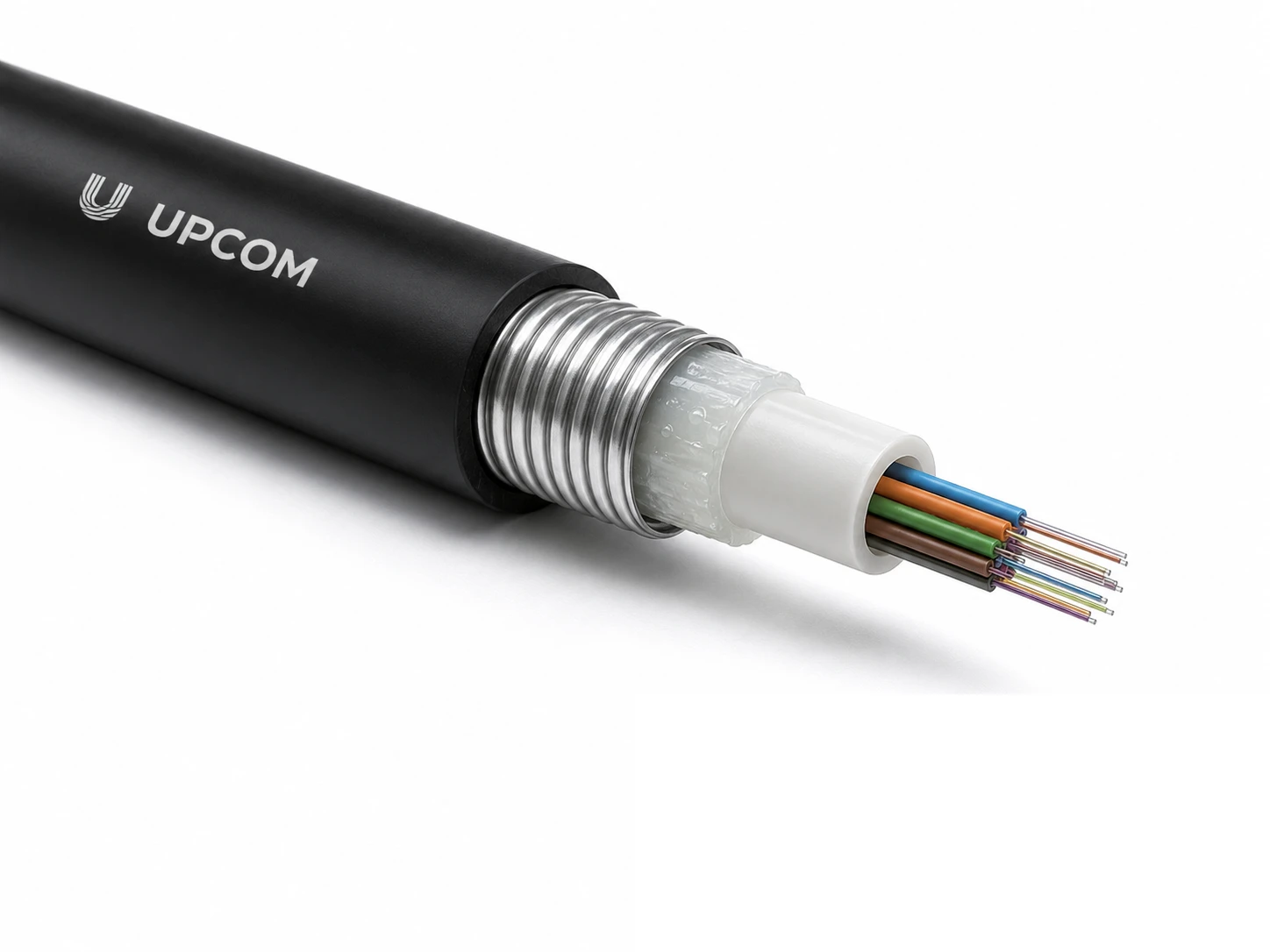
Metallic armor provides added mechanical protection for outdoor cable routes.
Combines armored loose-tube construction with an LSZH jacket for routes where mechanical protection and fire behavior both matter.
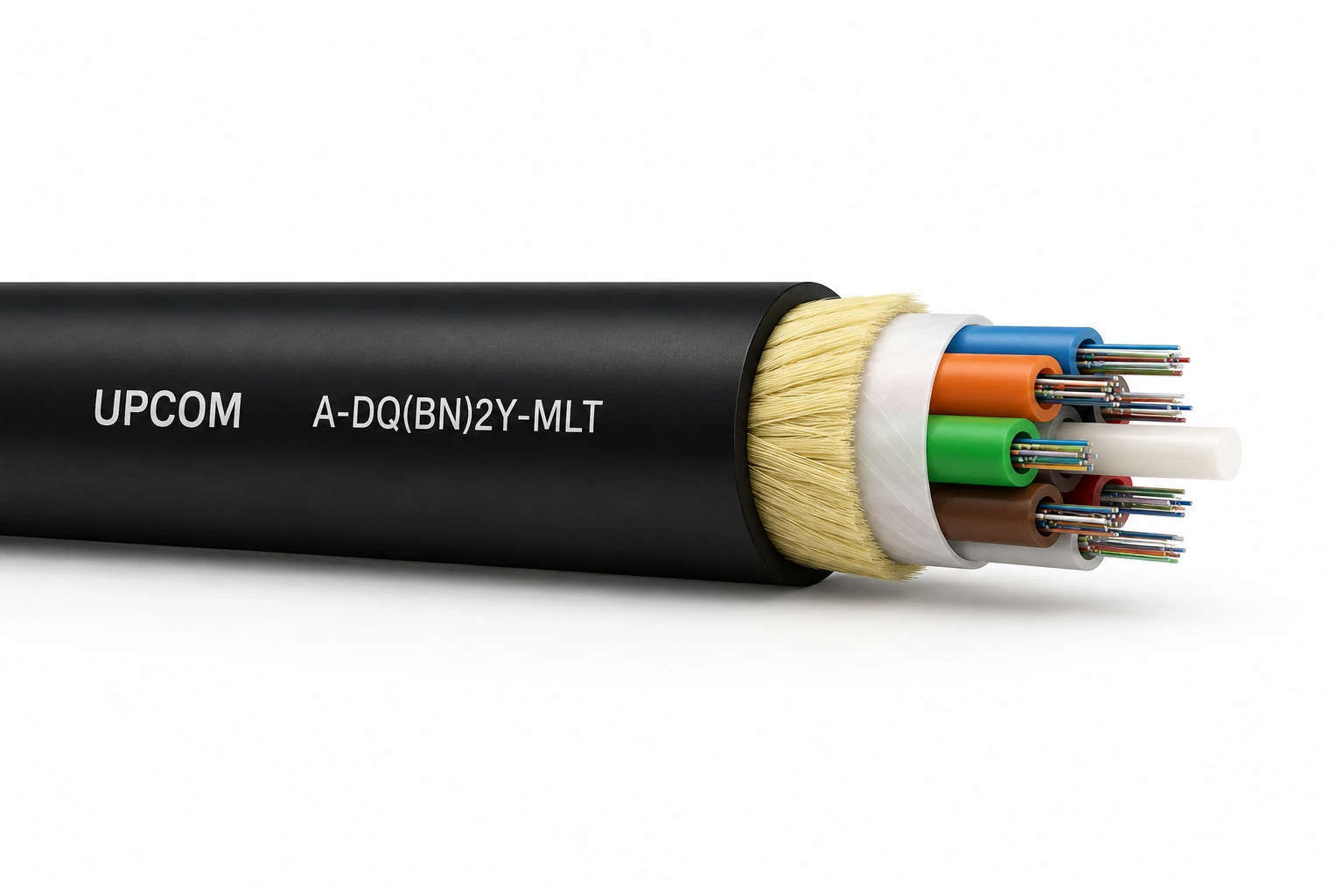
A PE-jacketed multi-loose-tube construction for outdoor distribution routes requiring organized fiber grouping.
A multi-loose-tube construction with an LSZH jacket for indoor or protected routes where PE is not preferred.
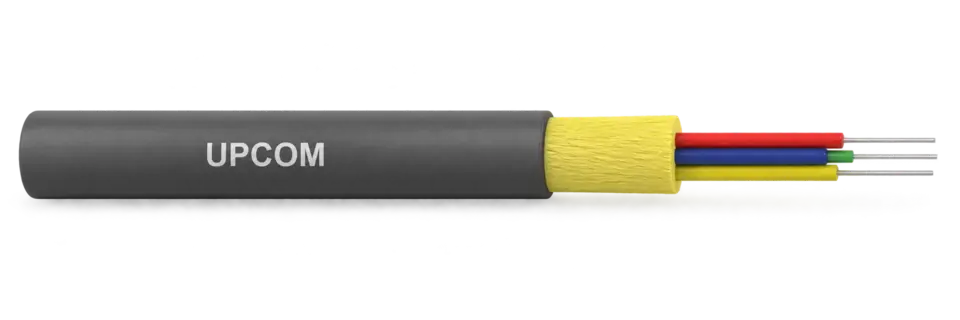
Use tactical cable when the installation scenario is operationally different from standard fixed building or permanent outdoor infrastructure.
Indoor cable choice is usually driven by pathway density, handling, breakout requirement and termination logic. This is where breakout, duplex, simplex and pigtail routes separate.
Explore category: Fiber Optic Cables
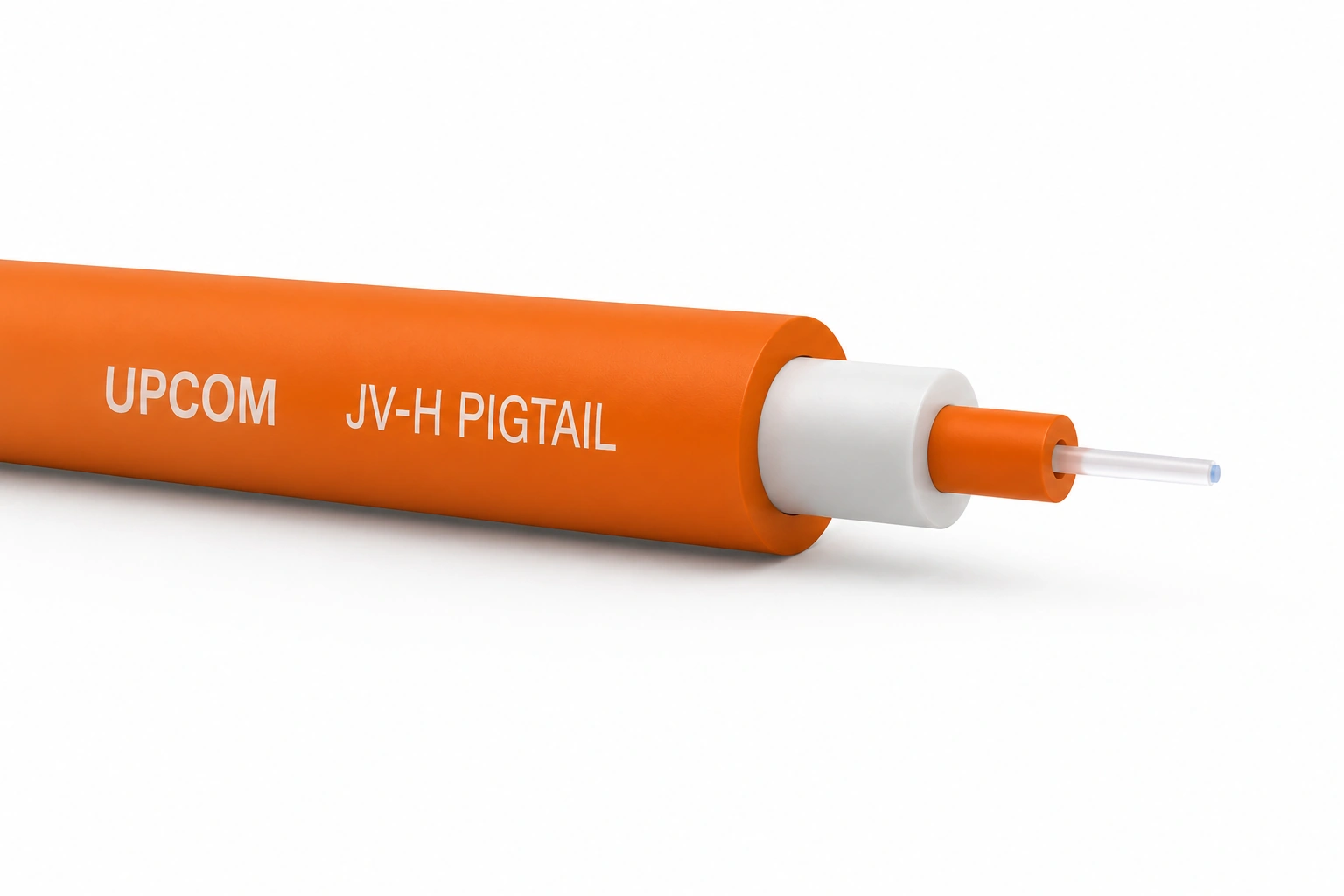
A compact tight-buffer cable for indoor pigtail and termination applications.
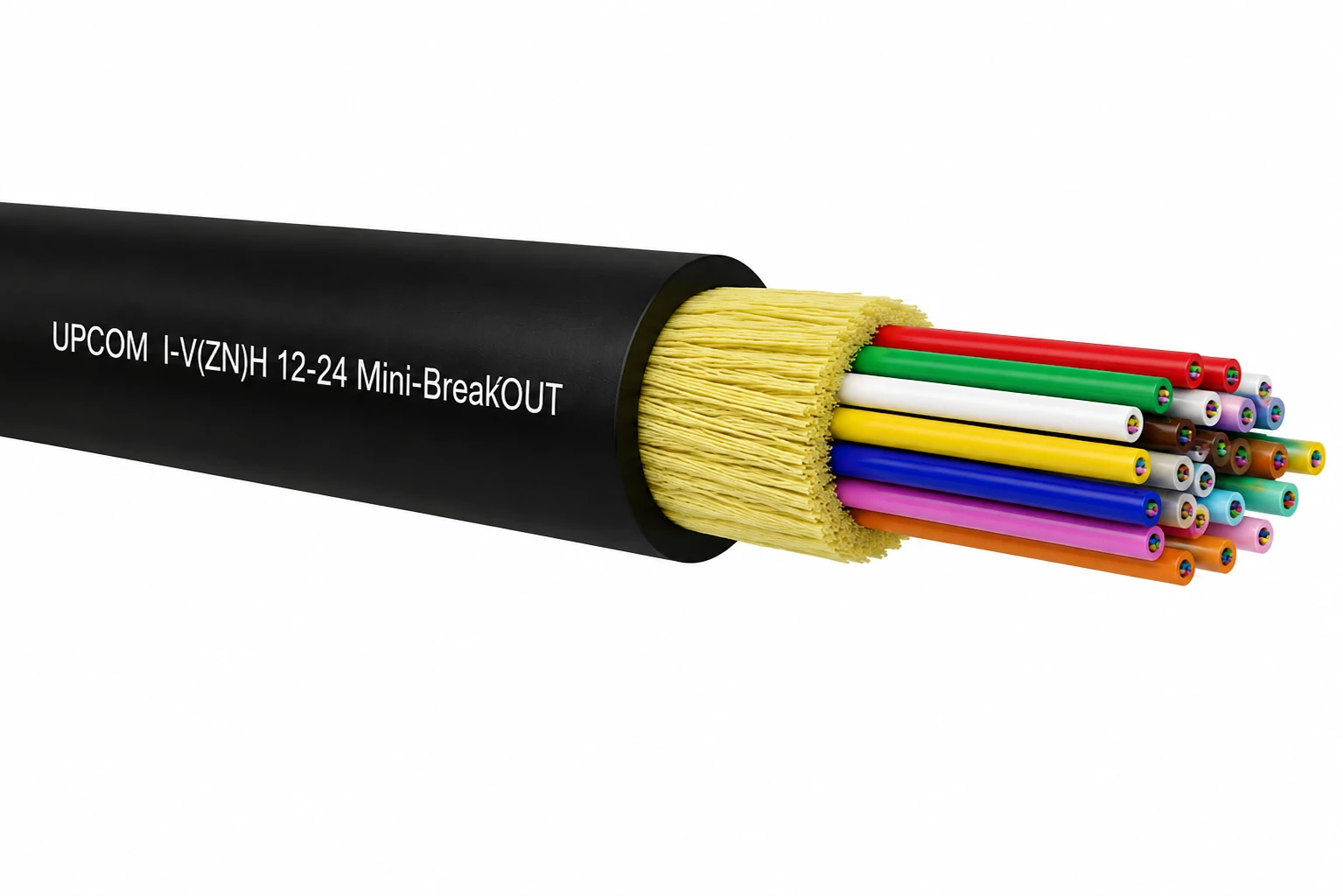
Use mini-breakout cable when the project needs a smaller indoor structure than classic breakout while keeping organized sub-unit handling.
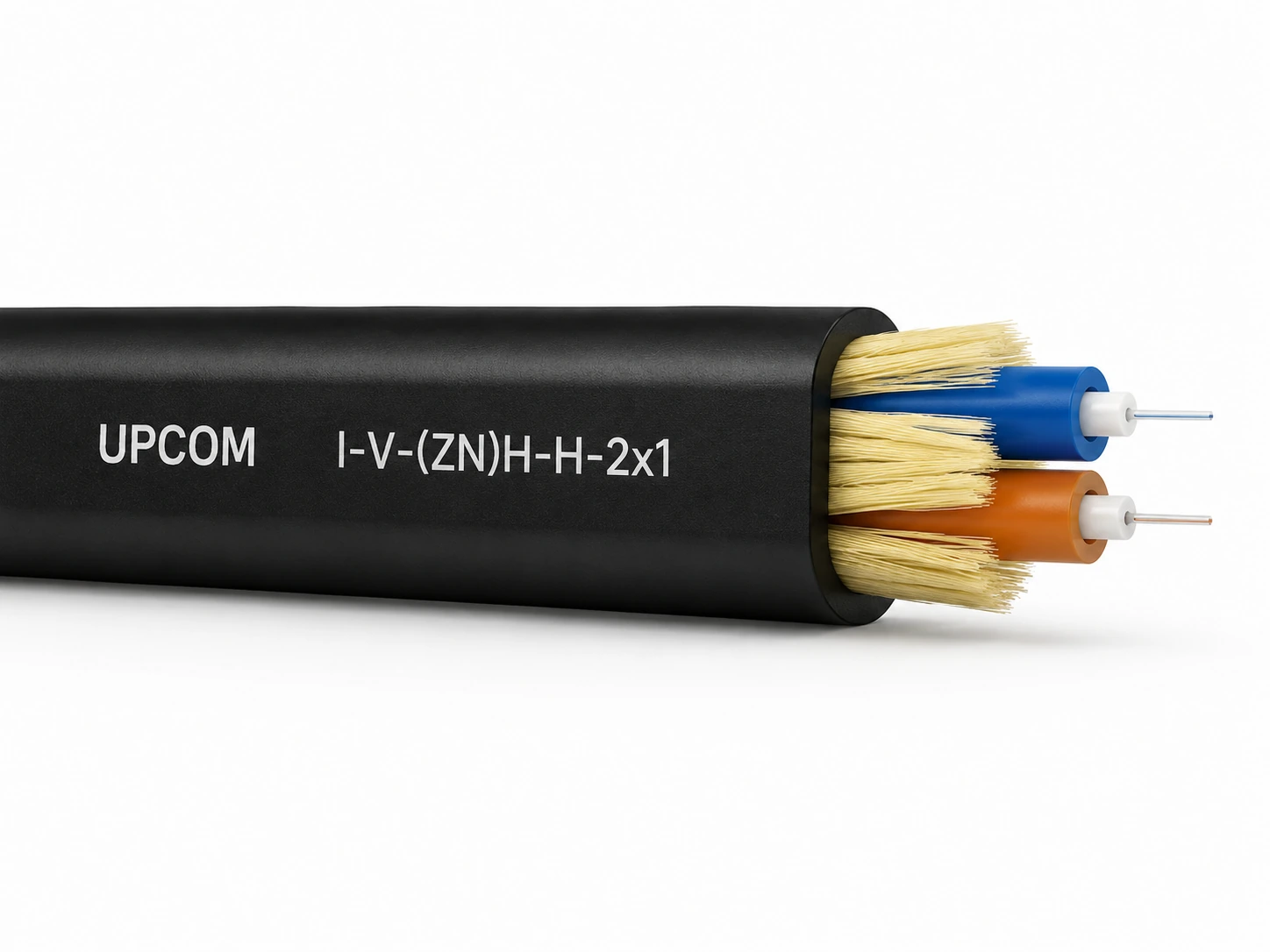
A flat duplex construction for compact indoor links and controlled short-distance connections.
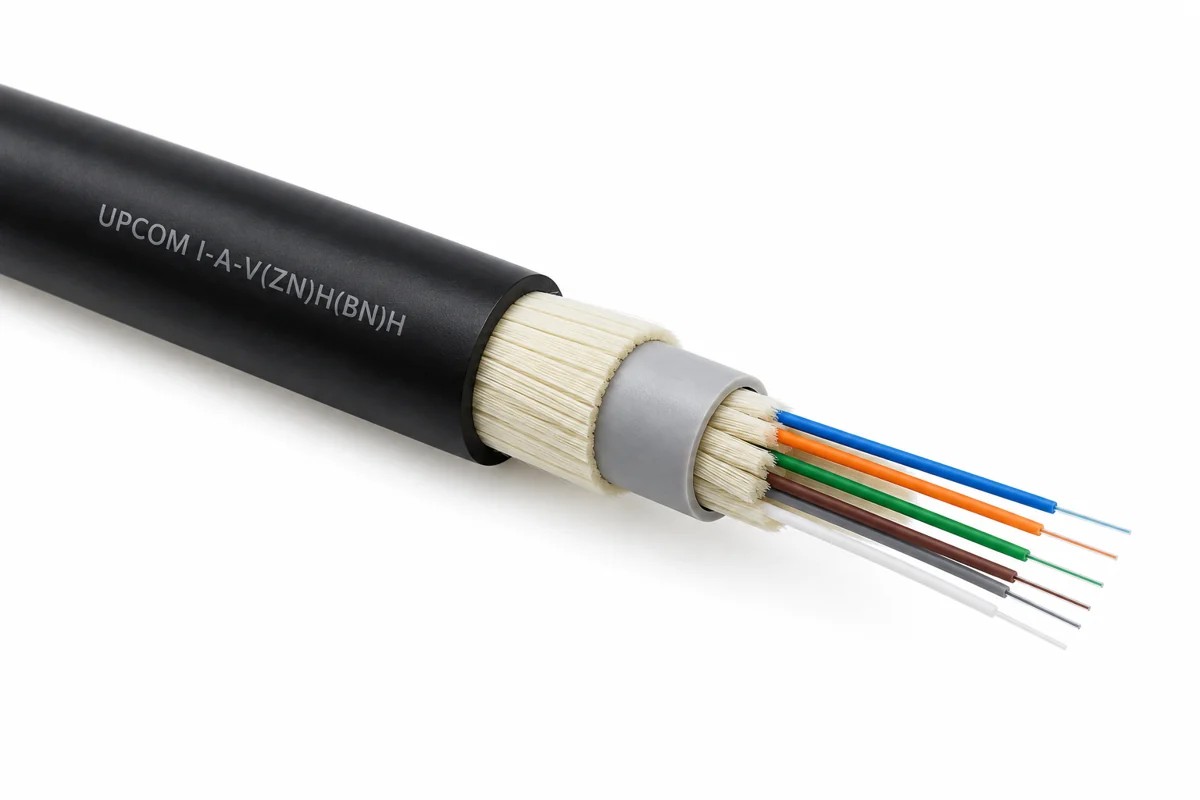
A breakout construction with LSZH behavior and reinforced sub-units for structured indoor handling.
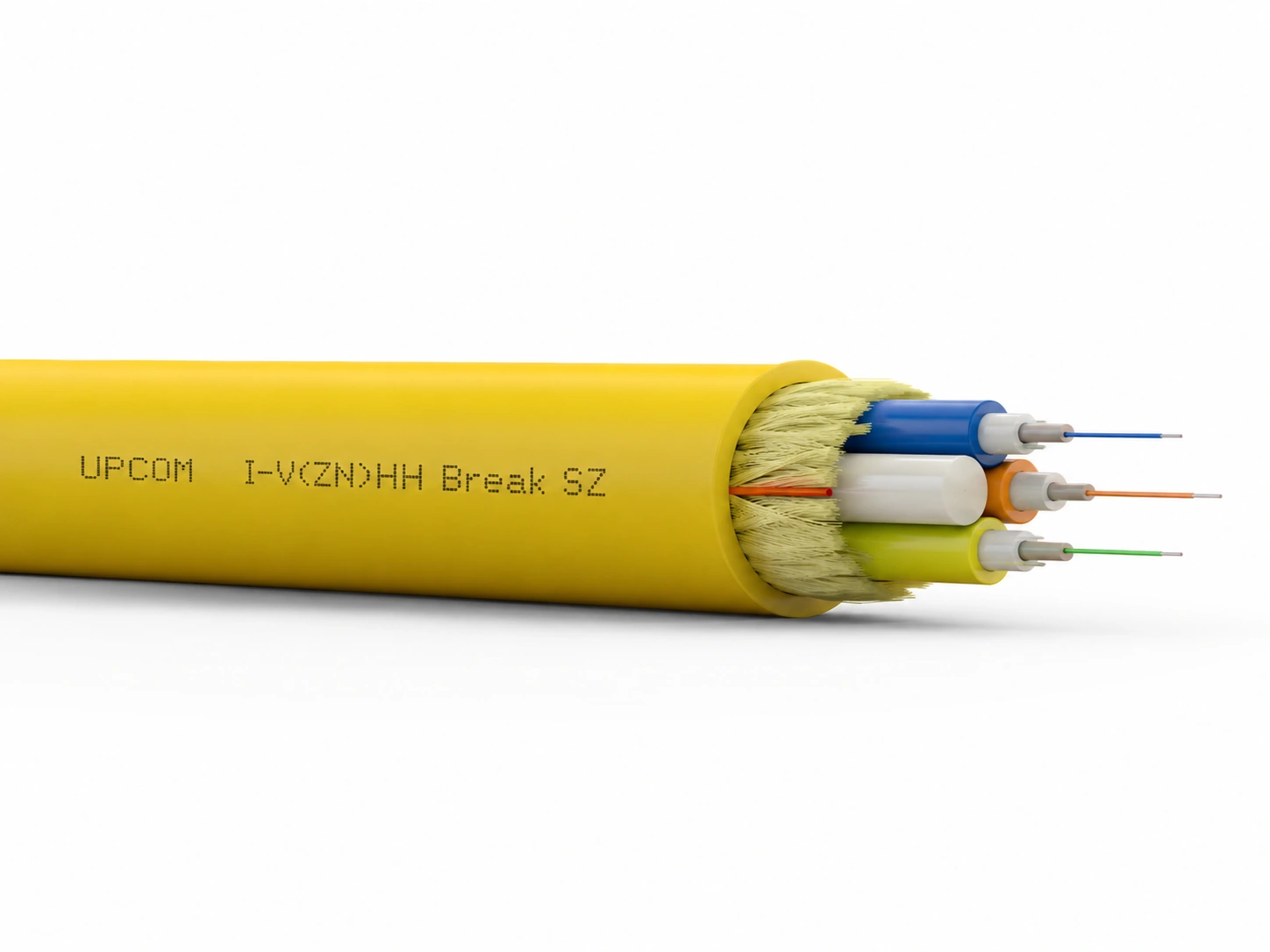
A traditional breakout construction for indoor distribution where individually protected sub-units are preferred over mini-breakout or duplex formats.
A compact simplex cable for short indoor links and individual fiber connections.
FTTH drop cable selection is driven by last-mile handling, aerial or indoor use, reinforcement type and installation speed. It should not be mixed with backbone cable logic.
Explore category: Fiber Optic Cables
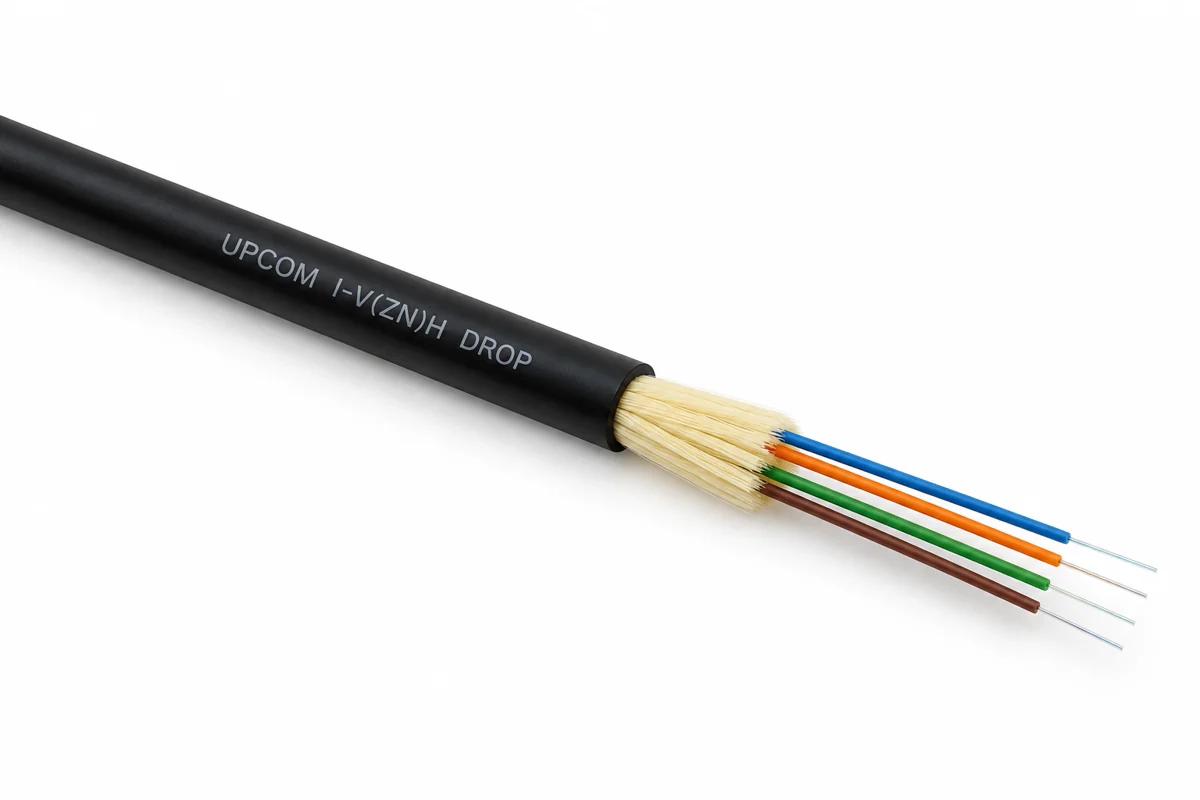
An indoor FTTH drop cable for subscriber-side connections within buildings.
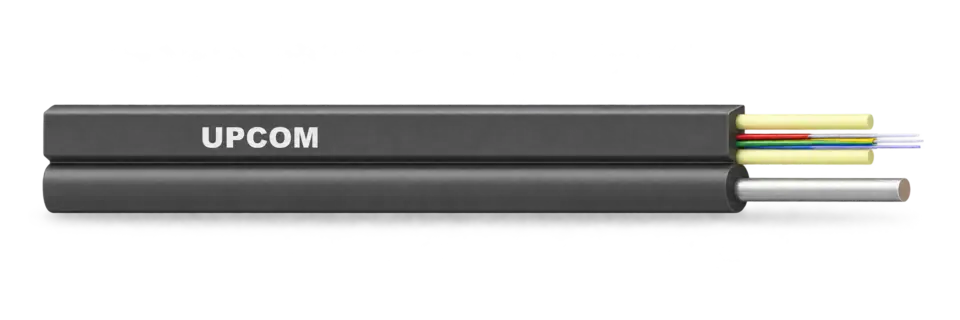
A flat aerial FTTH drop cable with FRP messenger support for last-mile deployment.
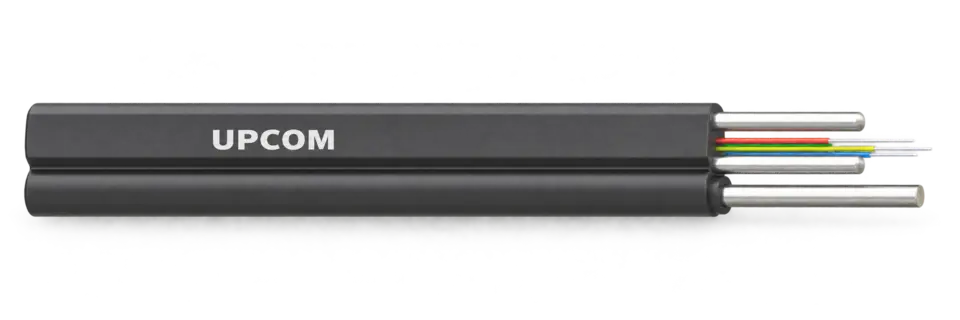
An aerial FTTH drop cable with steel strength members for last-mile access networks.
Some projects do not sit cleanly under standard indoor or outdoor backbone logic. These routes cover specialty armored and application-specific cable families that still belong under the main cable category.
Explore category: Fiber Optic Cables
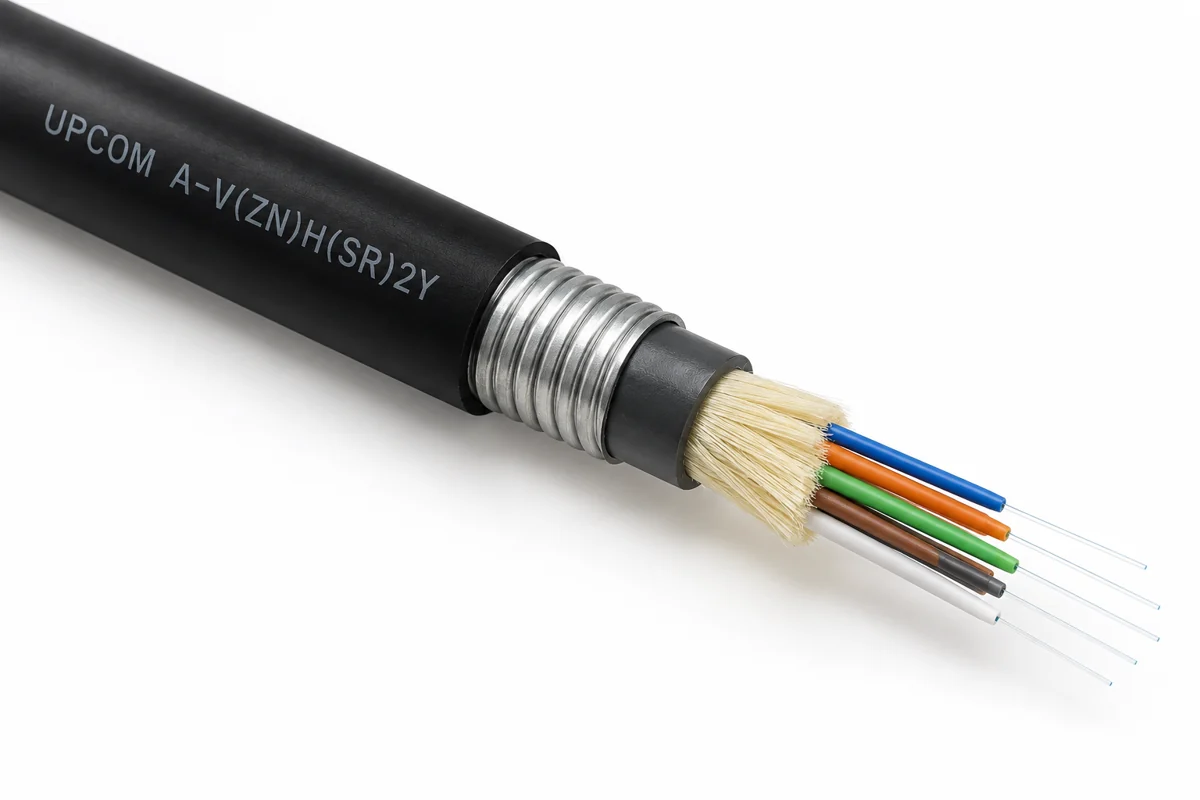
A specialty armored construction for applications requiring more mechanical protection than standard premises cable.
A tight-buffer breakout construction for specialty applications requiring organized sub-units, LSZH behavior and added mechanical protection.
This category also covers copper data LAN cables for structured cabling. Selection depends on Ethernet category, shielding type and network architecture.
Explore category: Data LAN Cables
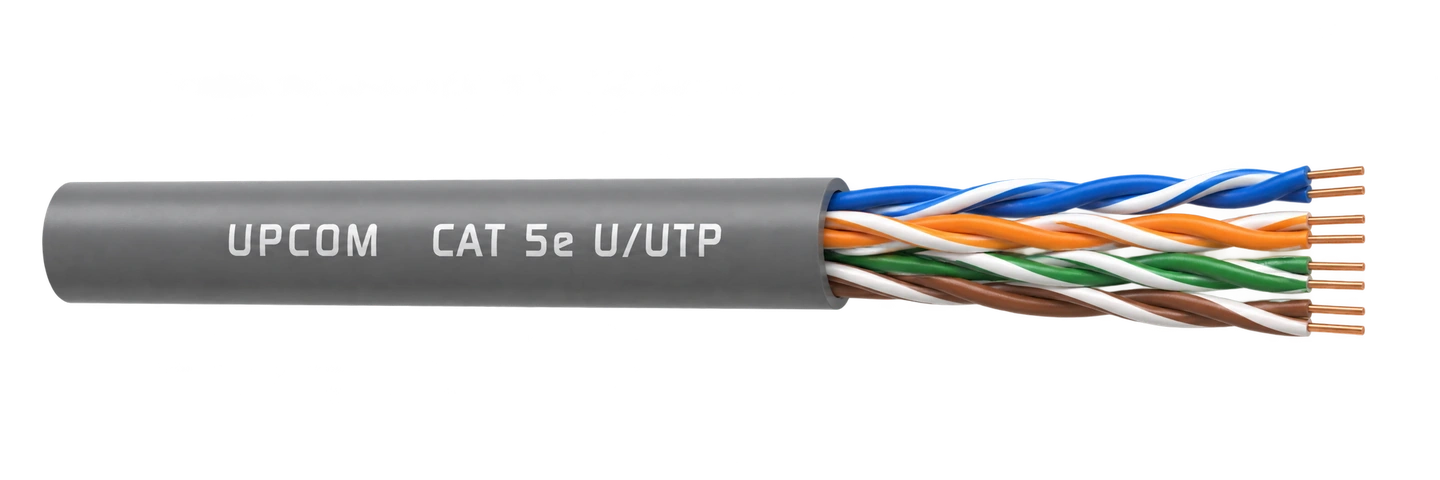
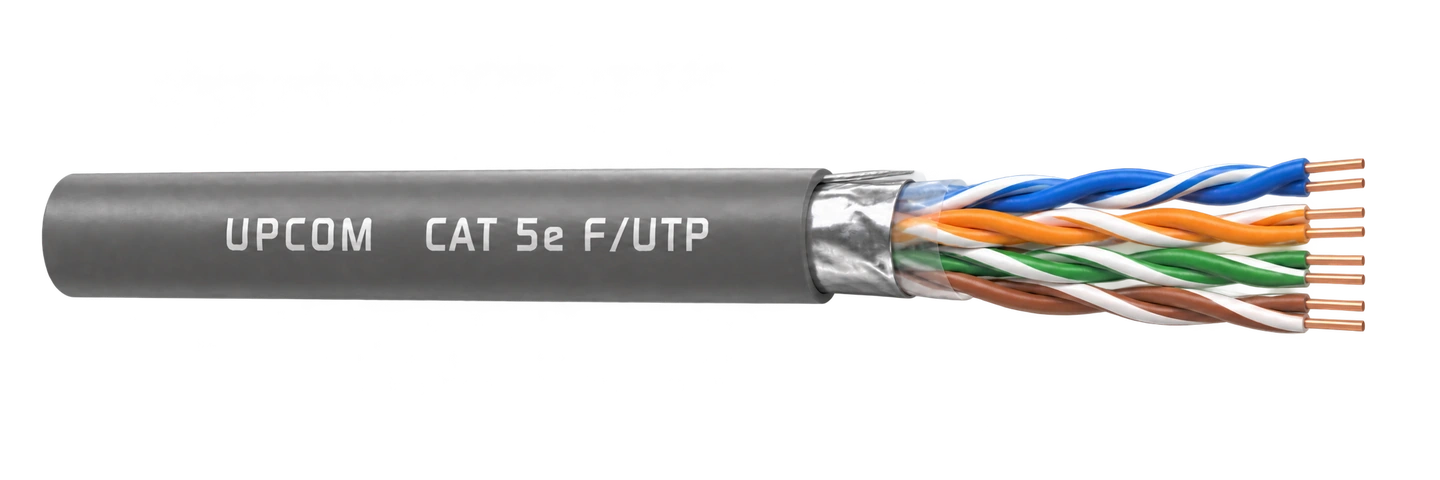
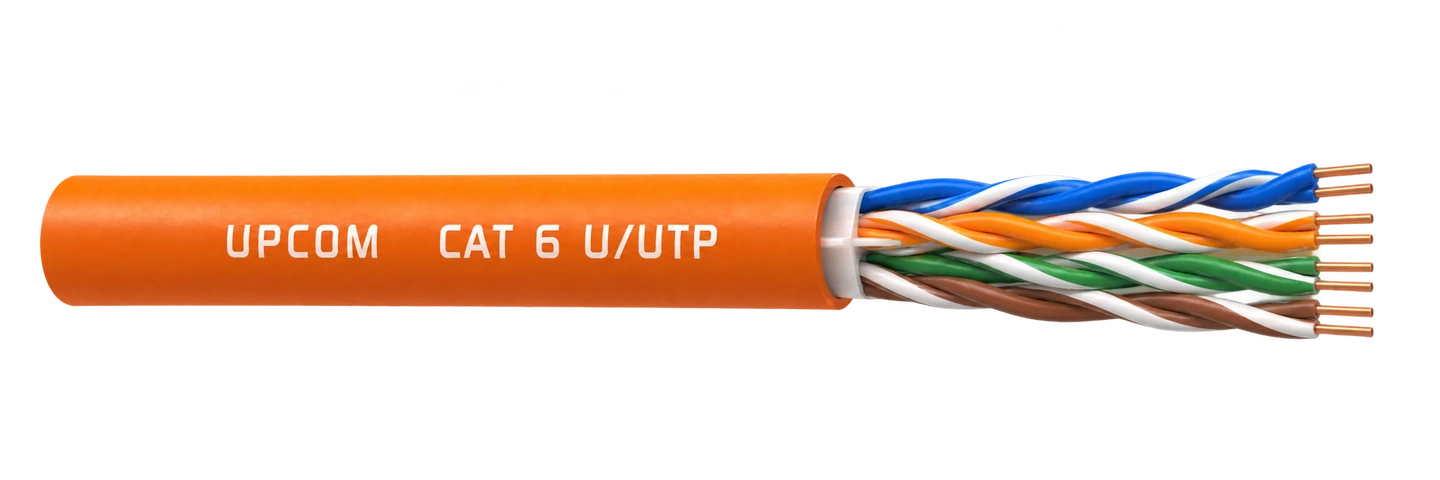
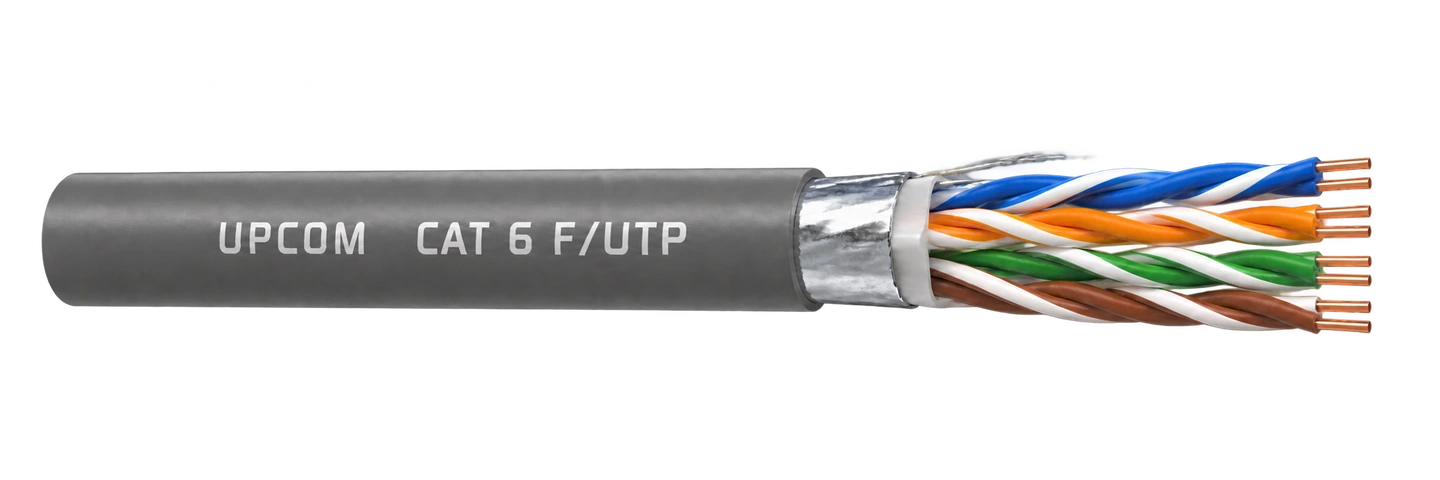
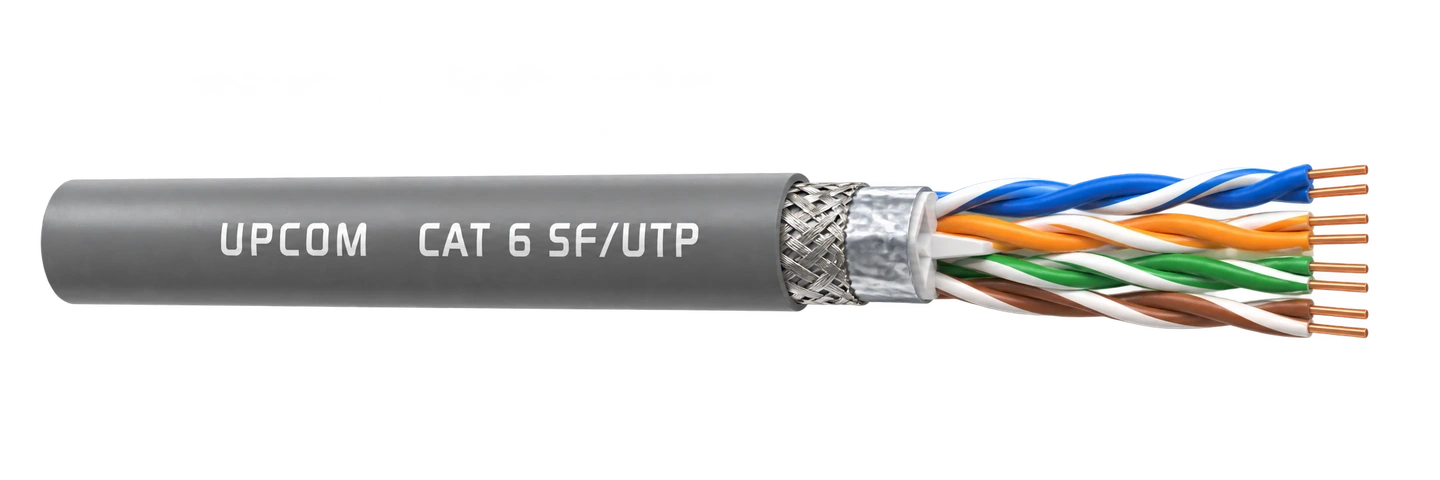
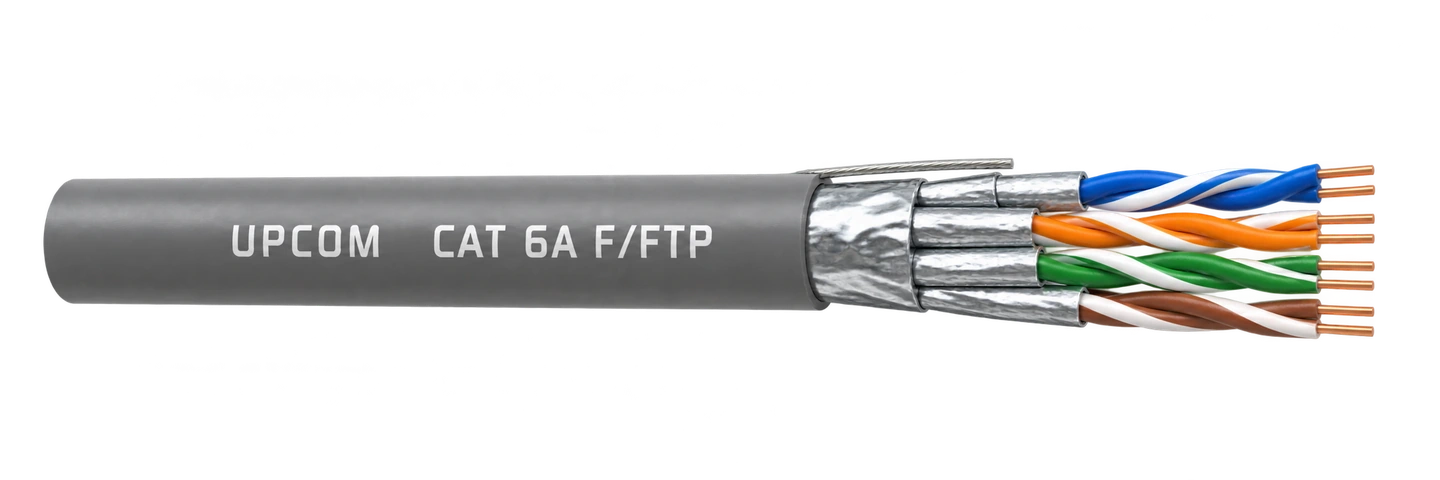
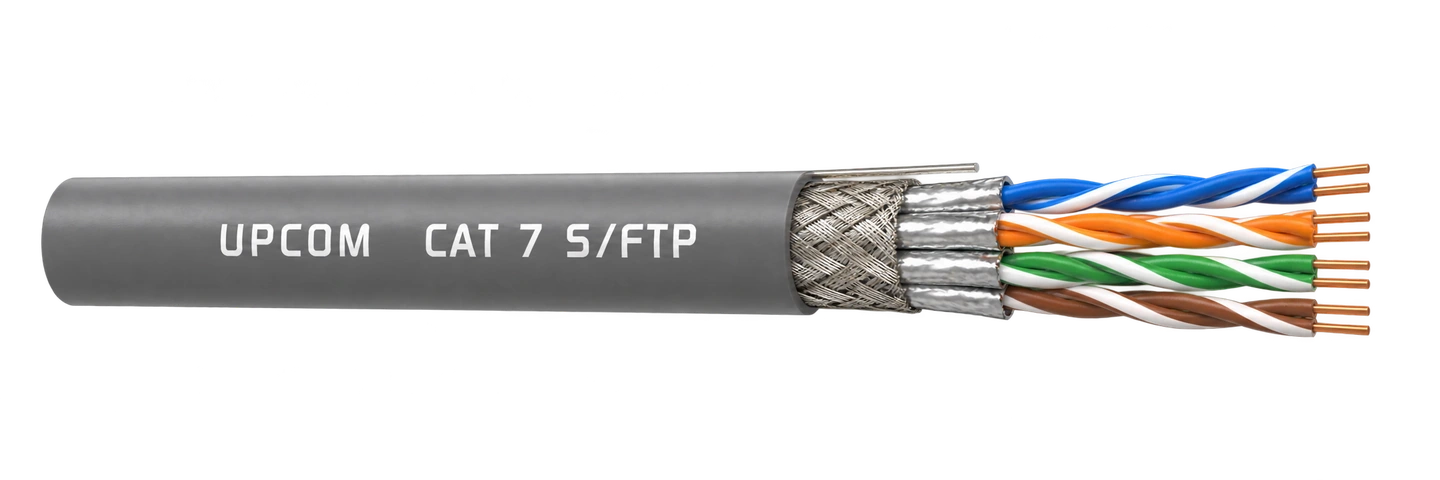
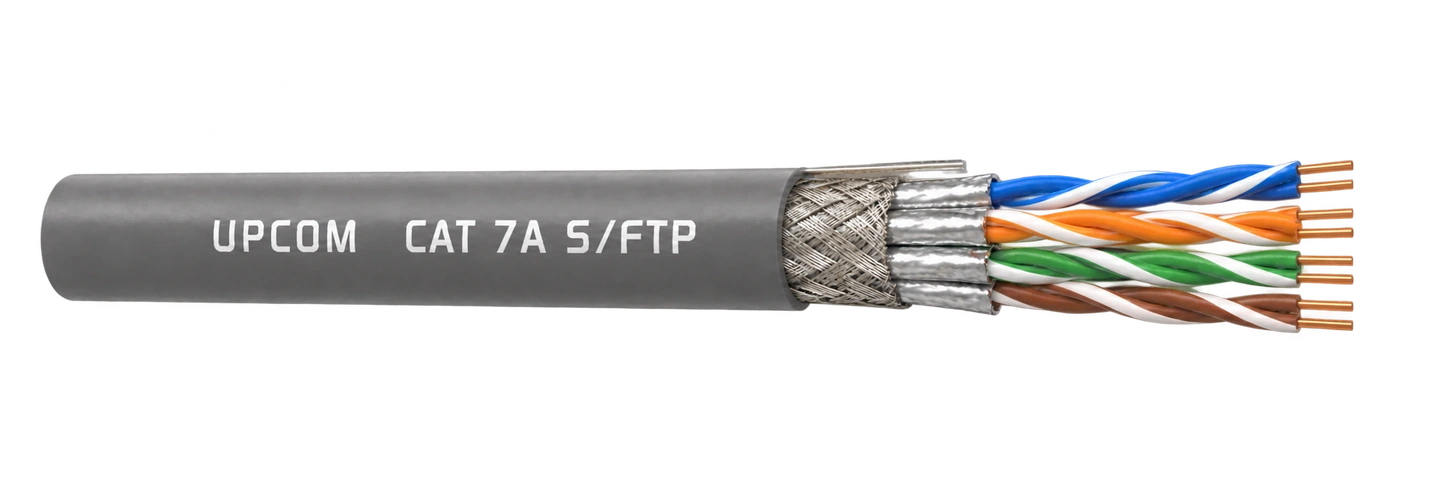
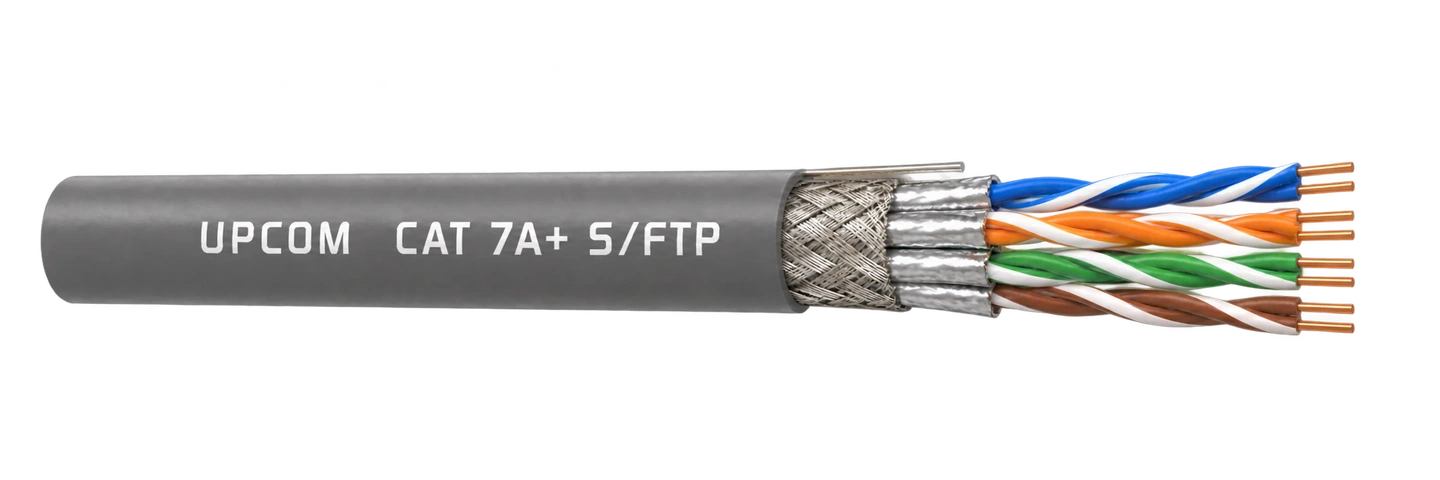
The fastest way to narrow the RFQ is to fix four decisions first. This section is written as a practical route, not as a long repeated paragraph.
Start with the real route: indoor, outdoor, FTTH or copper LAN. This removes most wrong options immediately.
If the route is inside a building, confirm whether B2ca, Dca or Eca is required before choosing the rest of the construction.
Decide whether the route needs armored, non-metallic armored or standard non-armored construction.
Then match the cable choice with patch panels, fiber connectivity, FTTH deployment or cable blowing machine needs.
Use these links when the selection is moving from broad category review into compliance, documents, installation method or related infrastructure support.
Main UPCOM CPR explainer for classes, DoP, CE marking and CPR selection logic.
Open CPR guideCertificate and proof page for CPR-related documentation support.
Open certificatesMatch the selected cable with the required connectivity products or installation equipment.
Fiber connectivityUse the Download Center, FTTH guide and general fiber overview when the project is still at concept stage.
Download CenterFiber Optic and Data LAN Cables
Share your quantity and delivery country. Technical details are optional; you can ask us to help with the specification.
You can also email info@upcom.com.tr.